How to develop a softphone in C#
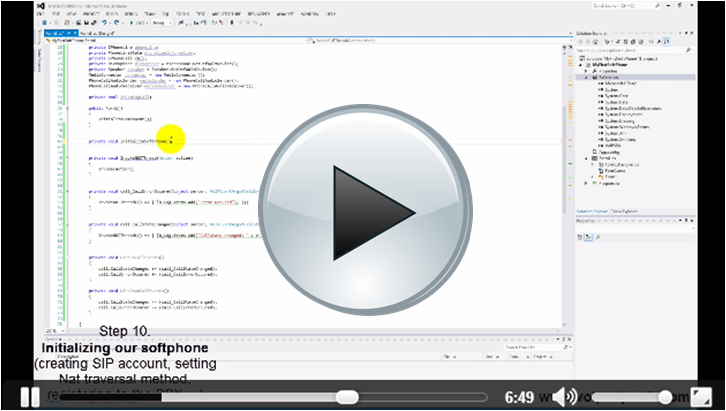
SIP registration
This article presents the first steps related to your softphone development. Study how to use the VoIP components of the SDK. Start now
Managing media handlers
This example demonstrates how to build a video/ audio player or recorder applicaion by using the MediaHandler class. Start now
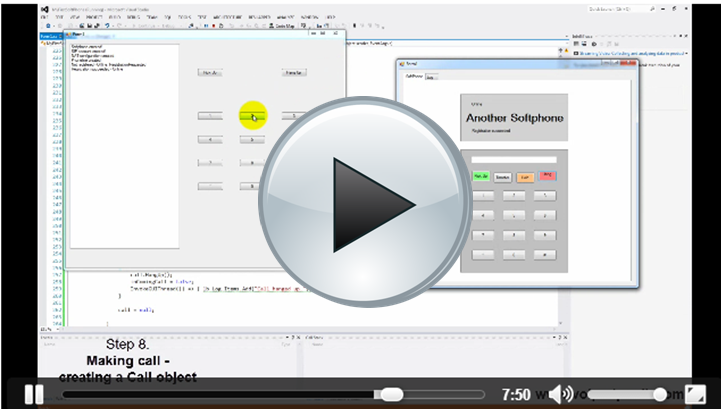
Making & accepting calls
In this section you can get to know how to make and receive phone calls by using your VoIP softphone. Start now
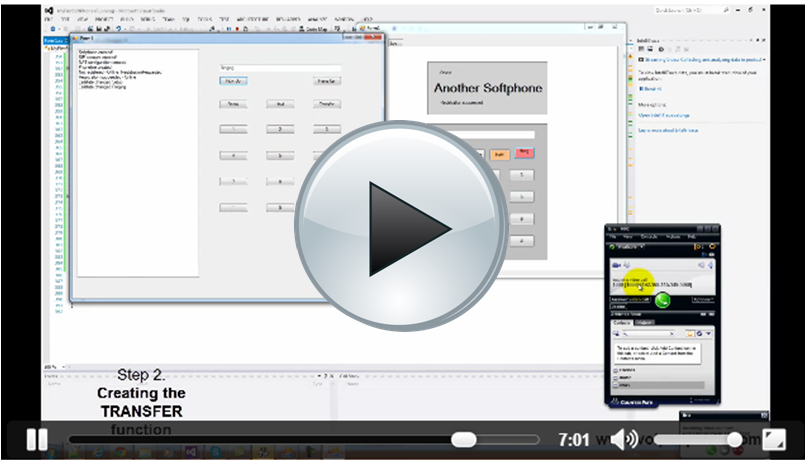
Controlling the calls
Due to the call holding, redialing or transferring features, you can controll your calls effectively. Let's see their implementation. Start now
SIP Instant Messaging
Apart from audio/video communication it is also possible to send/receive Instant Messages (IM) with a softphone. Learn more about it. Start now
Handling codecs
This article in intended to be a great explanation on how to determine which codecs should be used during the calls. Start now
Multiple call management
Multiple call management can be used to control simultaneous calls. Find out how to implement this feature. Start now
Autodialer
Improve your softphone with autodialing feature that enables you to dial many phone numbers automatically at the same time. Start now
Predictive Autodialer
From this guide you can learn how to connect
your autodialer softphone with a ring group.
Start now
Multi-line Autodialer
You can learn how to create autodialer softphone, which is able to make calls using multiple sip accounts. Start now
Ring group
Find out how to create a ring group extension in order to define call routing strategies based on your specific needs. Start now
Call assistant
This example will show you how to create a call assistant application with basic funcionalities. Start now
Customized GUI
By customizing the GUI of your softphone, you can easily adjust the appearance and the features of your phone to your needs. Start now